6 Tips for Choosing Between Multiple Job Offers
27 Nov, 2025



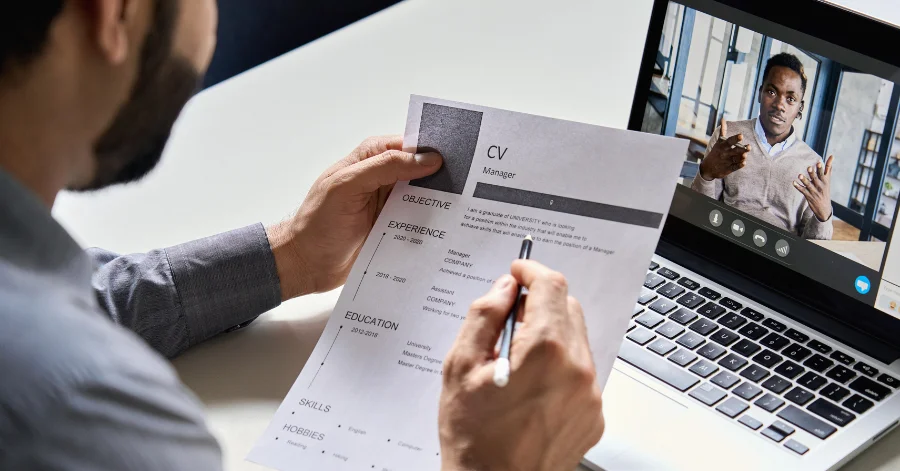
Video conferencing has been around for many years, but it became a primary method of communication during the pandemic when face-to-face meetings were no longer possible. The benefits of convenience and reduced travel have continued well beyond that period, particularly within recruitment. While in-person interviews are unlikely to disappear entirely, virtual interviews are now widely used by employers as part of their hiring processes.
Interviews can feel stressful at the best of times, and virtual interviews are no exception. They should be approached with the same level of preparation and professionalism as face-to-face meetings. Remember that an interview is a two-way conversation. Your prospective employer is also working to make a good impression on you. The key challenges with virtual interviews are building rapport through a screen and managing any potential technical issues.
Below are our top tips to help you make a strong impression in a virtual interview.
Confirm your attendance as soon as you receive the interview invitation and make sure you have all the relevant details, including the date, time, platform, and any login links. It is also worth checking your spam folder in case the confirmation email has landed there.
Spend time researching the company, the role, and the wider team. Understand what the organisation does, its values, and how the role fits within the business. Prepare for common interview questions, just as you would for an in-person interview.
Review your CV carefully and be ready to talk through your experience and achievements. Ask yourself whether you can see yourself doing the role, whether you would enjoy working with the team, and whether the opportunity aligns with your longer-term goals. These reflections will help you communicate your suitability more clearly.
Test your technical setup well in advance of the interview. Check that your camera and microphone are working properly and that your internet connection is stable. Position your camera at eye level so you are looking directly at the interviewer rather than down at the screen. Join the meeting a few minutes early to allow time to resolve any last-minute technical issues. Be prepared to share your screen if required, particularly for technical or competency-based interviews.
Choose a quiet, well-lit space where you are unlikely to be interrupted. A plain, clutter-free background helps keep the focus on you and avoids unnecessary distractions. Make sure you are the only person in the room for the duration of the interview. Close unnecessary tabs and applications on your computer and turn off notifications that could appear on screen. Even a brief interruption can break your concentration and disrupt the flow of the conversation.
Pay attention to your body language. Sit up straight, maintain regular eye contact with the camera, and be mindful of how you present yourself on screen.
First impressions still matter in a virtual setting. Dress as you would for a face-to-face interview, choosing professional but comfortable clothing. Dressing appropriately can also help you feel more confident and prepared.
Try to relax and approach the interview as a conversation rather than an interrogation. The more virtual interviews you attend, the more natural they will begin to feel. Being yourself and engaging authentically will help you build rapport with the interviewer.
By following these tips, you can approach your next virtual interview with confidence and present yourself in the best possible light. With preparation and practice, virtual interviews can feel just as natural and effective as in-person meetings.