The True Cost of Tech Talent
31 Mar, 2026



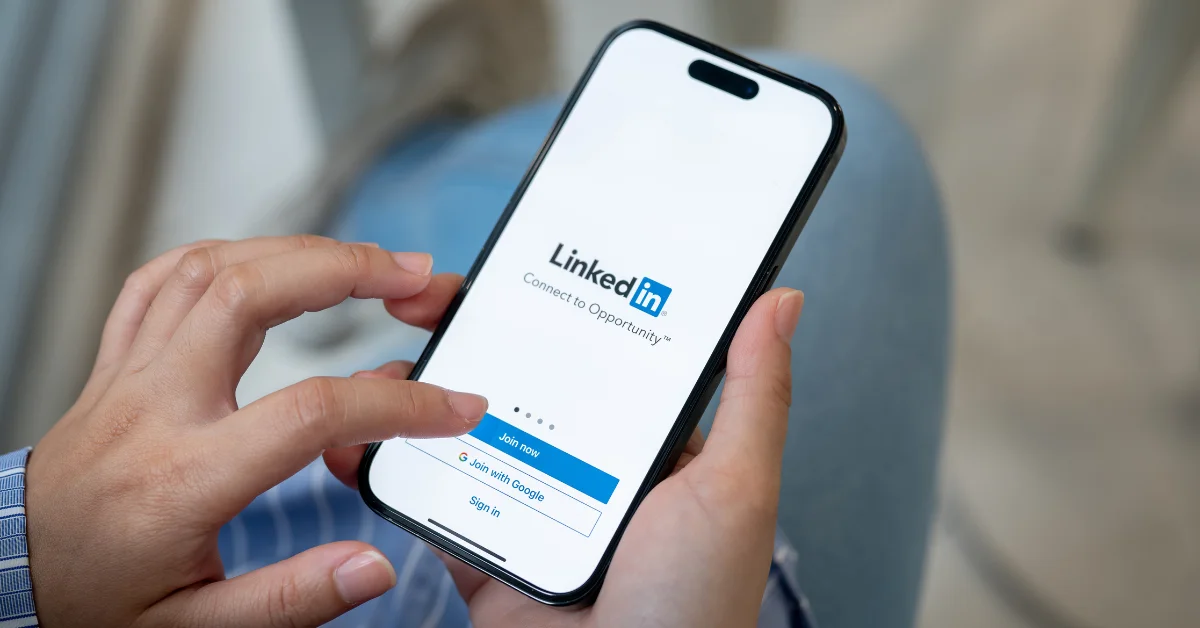
LinkedIn is the world’s top professional networking site, used daily by job seekers as well as recruiters and hiring companies. As of October 2025, it has more than 1.3 billion members in 200 countries and regions worldwide, and more than 69 million companies listed.
If you’re in the market for a new job, you can’t afford to neglect your LinkedIn profile. You can use the Jobs service itself to hunt for roles that might suit your next career move, but your profile is also your professional face for the industry – companies may approach you with roles if your online resume is attractive enough. Even if you’re working with a recruitment specialist, like Spectrum IT, to find your next role, you will need to make sure your LinkedIn page is up to scratch. You can include the link on your CV for hiring companies to find out more about your experience, and they are likely to visit your page as part of the pre-interview process.
It's easy to set up a LinkedIn page and then forget all about it, but it’s worth spending time keeping it updated, gathering recommendations, adding relevant skills and networking. The effort you put into your profile will reap rewards when it comes to your next work placement.
Here are some top tips to help optimise your LinkedIn profile.
The profile picture you use on your personal social networks shouldn’t be the same one you use on your LinkedIn page. You don’t need to have professional snaps taken, but your photo should be good quality, against a plain background and appropriate. It helps to smile too – so that you appear friendly and approachable.
Many people also forget to update their cover image, which by default is an abstract and nondescript banner. You can use a tool like Canva, which has free LinkedIn banner templates to help you create something that feels more ‘you’. Or you may wish to use a relevant photograph in that space.
Make sure that your basic information is up to date, from the Me>Settings & Privacy menu. Here you can ensure that your name, pronouns, headline, current position, industry, education and location are all up to date. You should also make sure that you have a personalised URL, which you can do by going to your Profile page and clicking ‘Edit public profile & URL’. This should be something straightforward, like your full name, but you might have to play around with a few options if that URL is already taken.
Your headline and ‘About’ section are two of the most important areas of your LinkedIn profile when job hunting. These sections are heavily used when searching for candidates, so they should be clear, informative and keyword-friendly.
Rather than using only your job title in your headline, try to include your specialism, key skills or the type of roles you’re looking for. This makes it much easier for employers to understand what you do at a glance and improves how often you appear in LinkedIn search results.
Your ‘About’ section should summarise your experience, strengths and career goals in a short, well-written format. This is your opportunity to tell your professional story in your own words, so focus on the value you bring rather than listing responsibilities. Writing in the first person often feels more natural and engaging.
It’s a good habit to check and update your profile regularly. Your experience section should remain current, with the dates of each role you’ve held, along with a brief summary of your responsibilities and achievements. You don’t want to include too much or too little information – be succinct with each role description, and stick to the key points.
You can also add more sections to your profile using the ‘Add to profile’ button. Here you can include additional education or positions, as well as any career breaks. You can also add relevant courses, licences and certifications. Under the Additional section, you can inject a little more personality to your profile if you wish, such as projects, honours and awards, and volunteer experiences.
Only add what is relevant and appropriate in a professional manner for your industry, so that you’re projecting the image you want to the outside world. Don’t forget that your LinkedIn profile is included in Google search results, so when a potential employer is doing pre-checks, it’s good if they can click through to see an up-to-date and engaging page.
If you’re actively looking for a new job role, you can use the ‘Open to’ button to show that you’re ‘Finding a new job’, ‘Providing services’ or ‘Hiring’. You will be able to input more information about what you’re offering/looking for, and who can see your update.
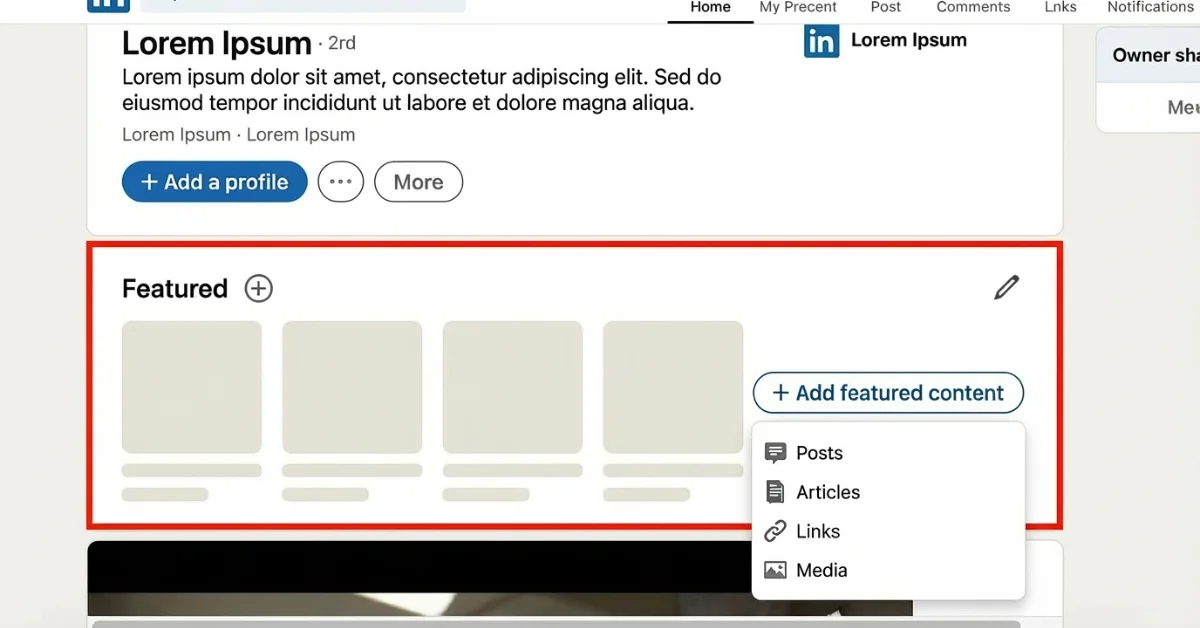
The Featured section is a powerful but often overlooked area of your LinkedIn profile. It allows you to highlight examples of your work, achievements or professional activity in a more visual way.
You can use this area to showcase portfolio work, links to websites or GitHub pages, certifications, presentations, published articles or successful projects. This is particularly useful for candidates in technical, creative or digital roles, as it allows employers to see real evidence of your skills rather than relying solely on written descriptions.
You can add and remove skills from the ‘Add to profile’ section, and these play an important role in helping recruiters understand your areas of expertise. While LinkedIn allows up to 50 skills, it is generally better to focus on quality rather than quantity. Keeping your most relevant skills at the top of the list makes your profile clearer and more attractive to employers.
LinkedIn Skill Assessments are available and allow you to demonstrate your knowledge in specific areas through short online tests. If you pass, you will receive a badge on your public profile, which can help verify your expertise. These assessments are especially useful for technical and software-based skills.
Recommendations remain one of the most effective ways to build trust on LinkedIn. These are testimonials from people you have worked with and can be requested from your first-degree connections. A profile with several well-written, recent recommendations often carries more weight with hiring managers than one with none.
It’s easy to be a passive participant on LinkedIn, but if you engage and add content, you’re more likely to get noticed. Do add posts and updates when relevant, especially to share work or personal achievements and recognition.
You should also share posts from the company you currently work for, to show that you actively engage in your work environment – this enthusiasm will reflect when potential future employers look at your profile. Join networking groups within your industry and contribute to discussions on the forums.
Spend time talking to people in your network, and connect with people in your industry. This doesn’t mean accepting every invite to connect that comes your way – you’ll find it easier to manage your network if you only accept invitations from relevant people. You can also request to connect with people you know to help build your network, and you can include your LinkedIn URL on your business card or web page too.
LinkedIn rewards active users. Updating your profile regularly, even with small changes, helps keep it visible in search results. This might include adding a new course, posting about a completed project, sharing industry news or celebrating a professional milestone.
Keeping your profile fresh shows that you are engaged in your career and actively developing your skills, which is especially important when you are in the market for a new role.
LinkedIn remains one of the most effective platforms for job searching. Under the Jobs tab, you can search for roles, set up tailored job alerts and browse vacancies recommended based on your profile. Keeping your profile accurate and detailed helps ensure that the jobs suggested to you are relevant.
Many employers now allow candidates to apply directly using their LinkedIn profile, making the process quicker and simpler. Others will redirect you to an external application page. Either way, a strong LinkedIn profile supports your application and often forms part of initial screening. With millions of people hired every year via LinkedIn, it remains a vital part of any modern job hunt.